
The Blueprint of my templates
Overview
When you want to create a portfolio website, assuming you are not a programmer, there are generally two ways. You can use one of the reputable website builders and build your website yourself, or hire a freelancer to make one for you. The former would be a cheaper solution, but you usually end up with a poorly designed website with missing features. The latter offers a high-quality product personally designed for you, but it costs a lot more and goes with the hassle of communicating with your freelancer. I have successfully adopted the pros and discarded the cons from both worlds by creating a well-designed template with all the essential features and integrating the client's needs into the template.
Why using template?
My template will be the foundation of your website. They come with all the essential factors you would need for a portfolio website plus upgradable features(blog, e-commerce, and etc..), and you can flexibly transform one of them into your personal website. The benefits are the followings:
- Fast production time
- Professional looking design
- Optimization for responsive design, search engine, performance, and accessibility
- Customizable color-theme
- Convenient theme swap from one template from another
- Constant updates with more designs and upgradable features
Thoughtfully designed page structure and layout
All of my templates come with a consistent page structure and layout. I have designed them to fit the general purpose of a portfolio website, but you can also change the page layout or add more sections to any of the pages upon an appropriate request.
🐾 Home
: This is your main page.
- main image
- main title
- main paragraph
- preview of your works
- generally displays 4-6 works
- each work is presented with a card that has a main title and a subtitle

🐾 About
: This is your about page to introduce yourself to your audience.
- main image(generally a profile picture)
- main title
- main paragraph
- recognition
- personal information area
- studio/business location
- conatct information


🐾 Works
: The gallery page where you present all your works with their thumbnail, title, and subtitle.
- gallery of your works
- each work is presetned with a card that has a main title and a subtitle

🐾 [Work]
: This is a page where you can explain the individual project with details.
- title of your work
- subtitle of your work
- a rich text area you can insert followings:
- large headings
- small headings
- paragraphs
- images
![Reference image for [work] page structure](/_next/image?url=%2Fimages%2Fdocuments%2Fstructure_%5Bwork%5D.png&w=3840&q=100)
Upgradable features
I believe in the idea that your portfolio website can scale up to become a blog, e-commerce, and more. I offer additional features that can easily integrate into your portfolio website to support your expansion. Those features are engineered to keep the design consistency with the template your website is based on.
🐾 Blog
You will have an additional blog page on your website. You can write a blog post with different sizes of headings, paragraph text, embedded youtube videos, images, and external links. Your users can sort the posts by their updated date and search them by keywords. This page is not only limited to a blog but can work as a journal, news, updates, or event page for your audience by changing its route name. This page is currently demonstrated on my templates with the route name *blog.

![Reference image for [post] page structure](/_next/image?url=%2Fimages%2Fdocuments%2Fstructure_%5Bpost%5D1.png&w=3840&q=100)
![Reference image for [post] page structure](/_next/image?url=%2Fimages%2Fdocuments%2Fstructure_%5Bpost%5D2.png&w=3840&q=100)
🐾 E-Commerce
will be updated soon!
🐾 Progressive Web App
will be updated soon!
Comes with all the essential features you need for a website
My templates are packed with all the essential features you would need for a portfolio website without extra charge.
🐾 CMS (Content Management System)
A content management system(CMS) is software that lets a user create, modify and delete the content of a website without having any technical knowledge. You will need a lot of adjustments on your web content as you need to add a new project, re-organize the portfolio, or modify any context as your idea changes. Instead of paying the developer to change the web content for you, you can modify your website by yourself through the dedicated control panel. My templates are specifically powered by the headless CMS called Contentful, and it offers generous community plan for free, which is generally enough to run a portfolio website.


🐾 Open Graph Meta Tags
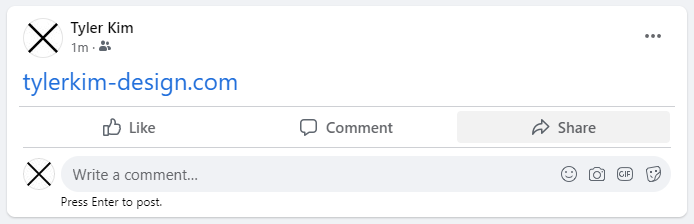
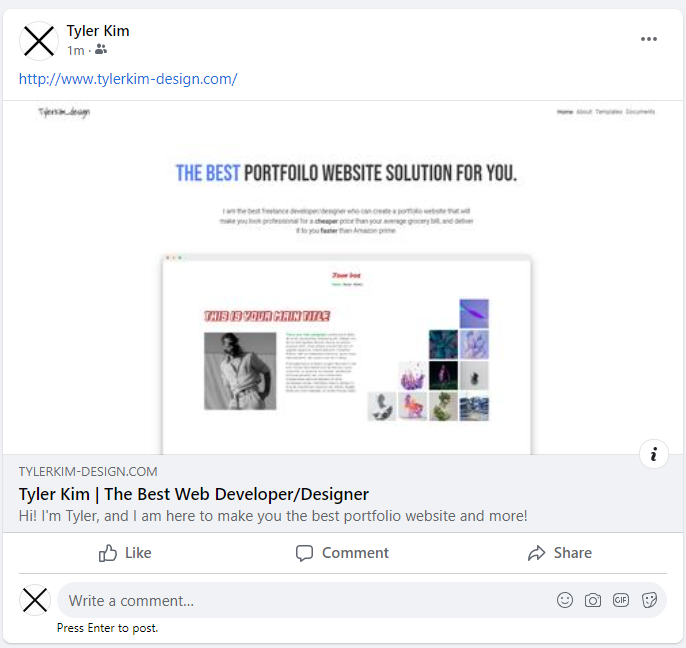
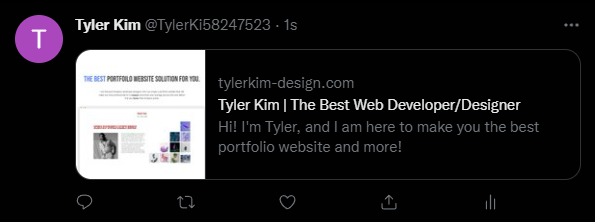
Open Graph meta tags(OG tags) on your website control how your shared URL on social media will be displayed. With OG tags, you can share your website's URL just as you intended and give people a general idea of what your website will be about before visiting. You will get OG tags for Facebook, Instagram, and Twitter on your website as default.
→

→
🐾 SEO (Search Engine Optimization)
SEO is a process of improving the visibility of your website to people on search engines such as Google or Bing. The more visible the website becomes, the more traffic it gets, which means you will have more business through your website. All my templates are optimized to score above 95 on Google's lighthouse report.

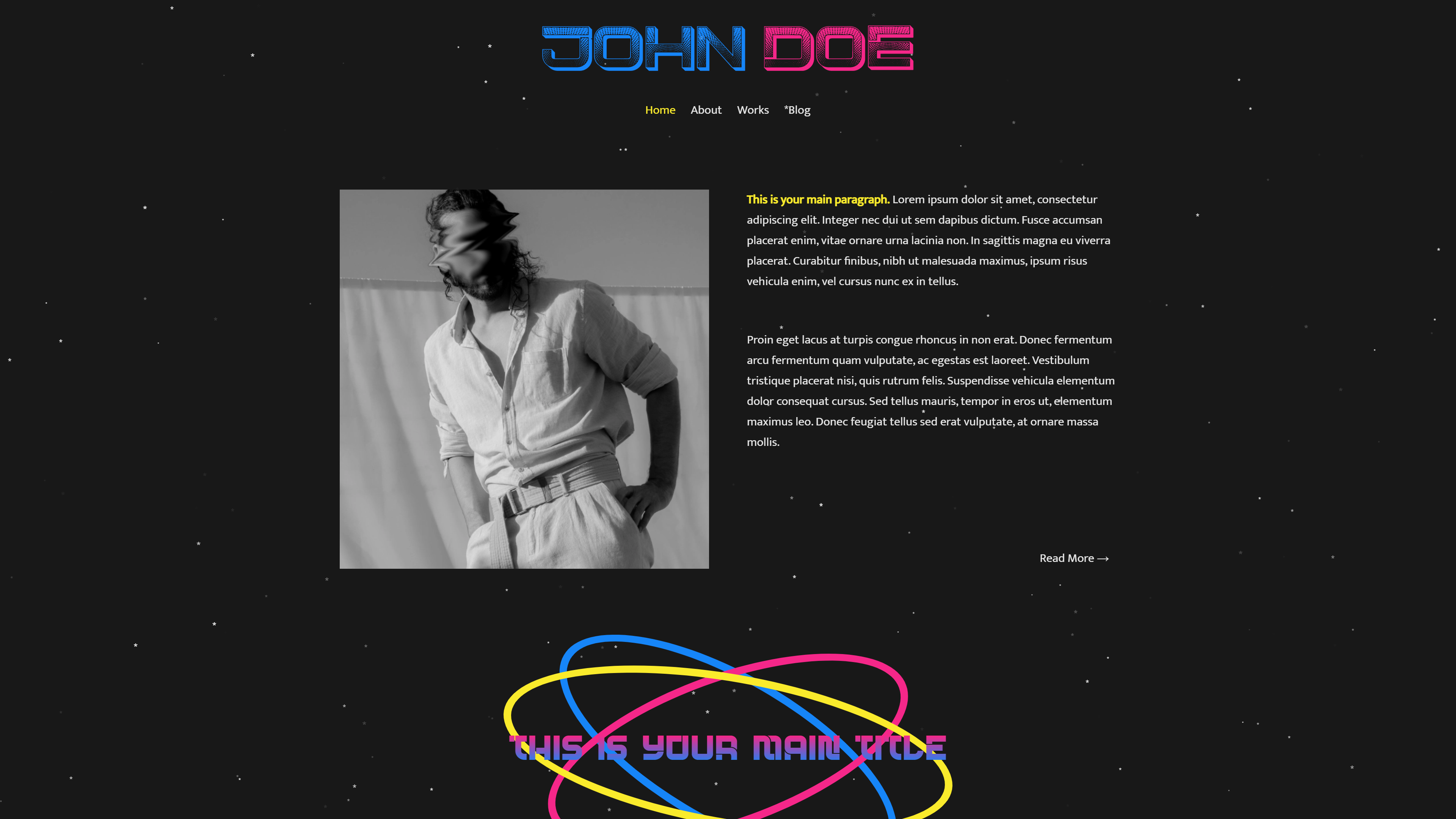
🐾 Responsive Design
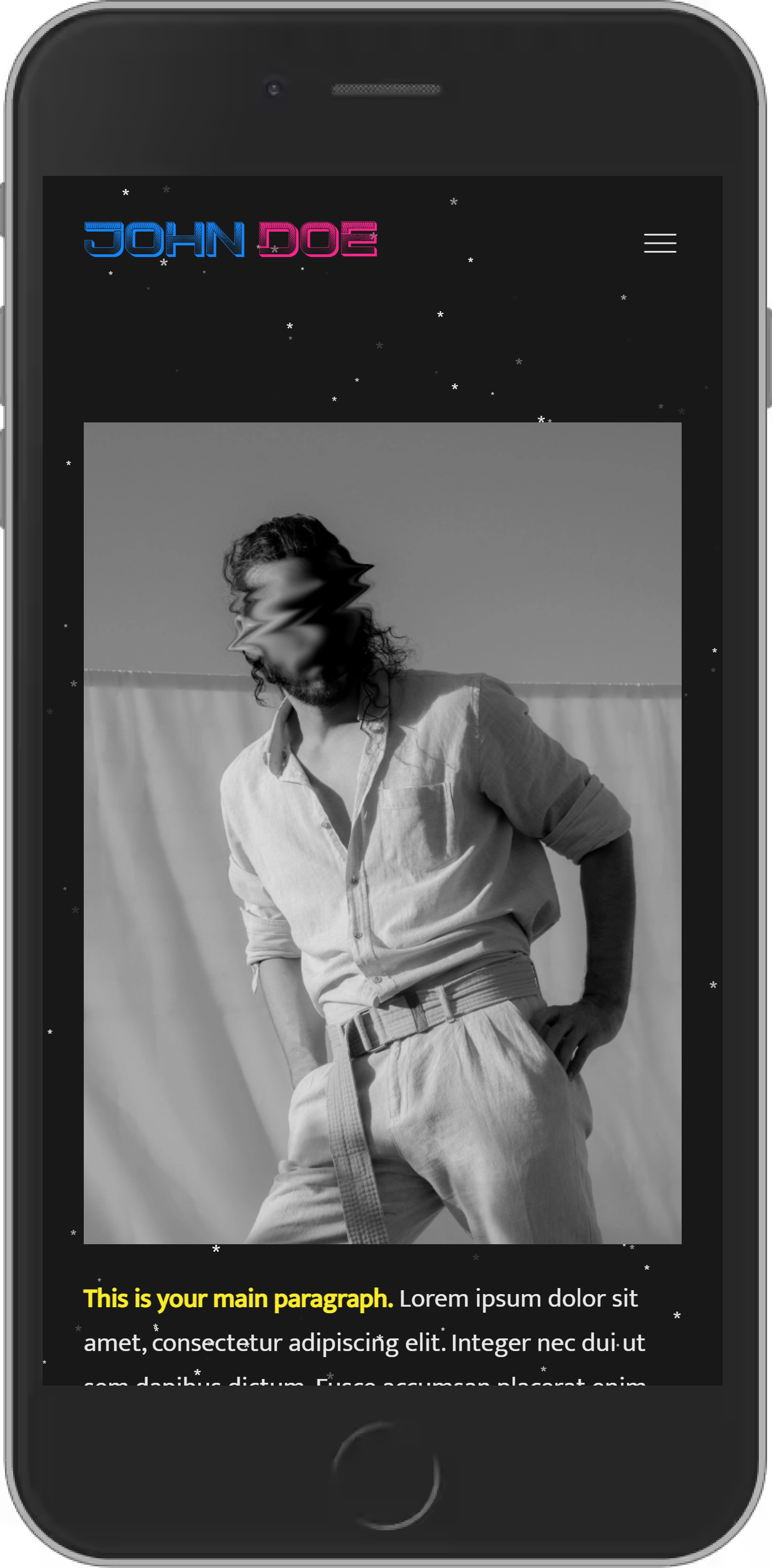
I design my templates to render well on a variety of devices.
→
Built with the most efficient web stack
A web stack is a collection of software required to build a web application, and there are many options out there to choose from. I have carefully determined the most efficient web stack for your project in terms of the technological and economical aspects.
 +
+ +
+
🐾 Next.JS
Next.JS is a React framework with additional features like server-side rendering and static site generation. I use Next.JS to create the front-end of my templates which the users will visually experience on the browser. The best part of this framework is that it can render web pages at the build time or on the server side upon a request and have them ready to serve the users. Users will have a better experience, and search engines will crawl your website better.
🐾 Contentful
Contentful is a popular headless CMS platform where you can create your data assets and connect them with your application. It has a user-friendly UI that is easy to learn and offers a free plan with a generous amount of data usage and API calls. In general cases, 2,000,000 API calls/month and a 750GB/month bandwidth limit will be more than enough for a portfolio website.
🐾 Netlify
Netlify is the platform where you can easily deploy and host the Next.JS project. Its advanced CDNs are globally distributed and ready to deliver your website to users at high speed. Netlify's free plan offers a 100GB/month bandwidth and 300mins/month build time which is more than enough for a portfolio website, and it even lets you host your website for commercial use.